
Analysis
Filter possessions across all games and compare any two groups side by side
How it Works
Everything you need to get the most out of Ruggo
Video Tutorials
Watch these to get up and running quickly
How Coding Works
1
Set Up Your Team
Add your teams, and any opponents you want to scout
Go to Admin → Teams and add each team you run, plus any opponent you want to scout. Switch between them with the Team picker in the sidebar.
Every game is saved under the team you pick when you start coding, so each team gets its own analysis.
2
Code a Game
Code from this app on any device. No separate app and no code to type
Click Code a game in the sidebar, or sign in on your phone and the coder opens straight away.
Someone without an account can still code for you: in Admin → Teams, turn on that team’s helper link and send it to them. Switch it off any time.
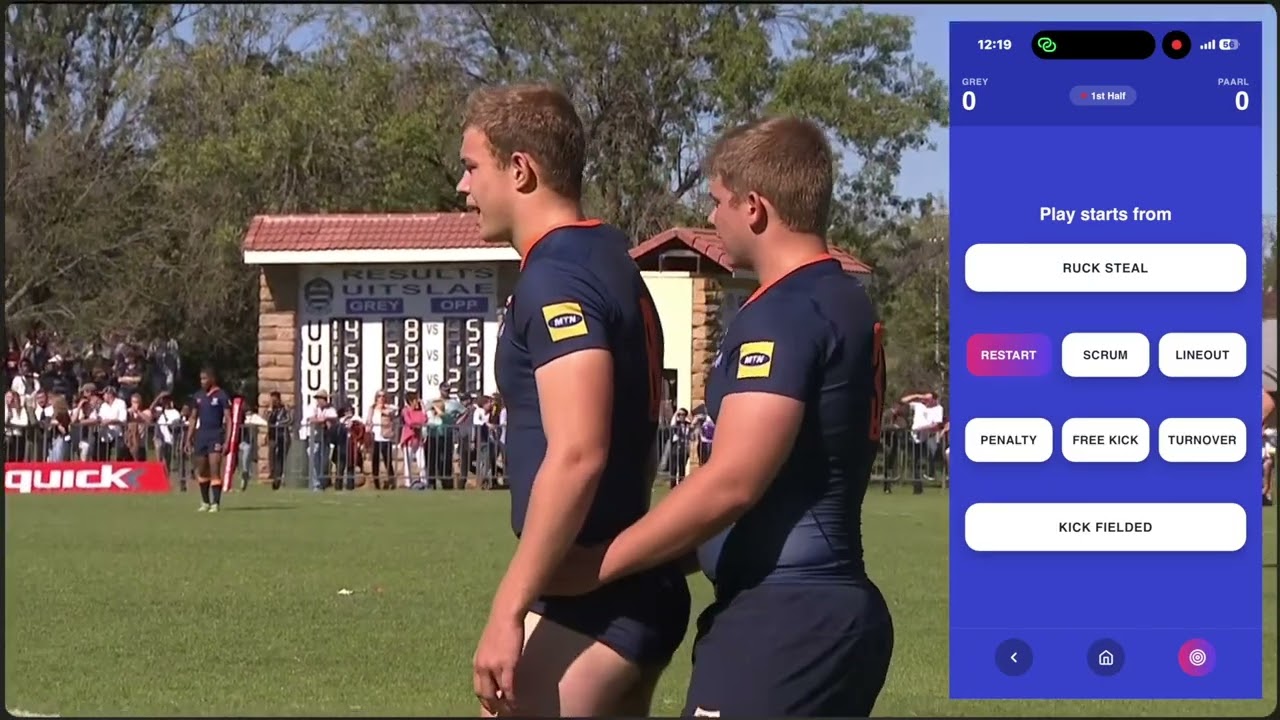
During the game they code each possession — play origin, field zone, rucks, kicks and outcome. Each possession saves to the cloud instantly.
3
Watch Live
Follow the game in real time from the sideline or box
Click Live in the sidebar. Ruggo automatically detects when your coder starts a game and connects via real-time data.
The Performance Momentum chart shows cumulative performance points — watch for momentum swings and respond with coaching decisions in real time.
Key Stats, Security %, Zone breakdowns and Use of Ball all update with every possession coded.
4
Read the Analysis
Use Performance Analysis and Play Origins to understand patterns
Performance Analysis (sidebar) — 6 categories covering Game Averages, Scoring, Exits, Risk, Kicking and Phase Play. Each page shows season trends, zone breakdowns and half-by-half splits.
Play Origins (sidebar) — 8 possession origins from Restarts to Ruck Steals. Understand where your best and worst possessions are coming from and what happens next.
Matches — tap any game to open the full Match Summary including The Verdict — 8 key metrics benchmarked against your season average with trend indicators.
Analysis — filter all possessions by origin, zone, half, kick, outcome, rucks, competition, date or opponent. Compare your team vs opponents on 7 key stats instantly.
Graphs — plot any of 12 statistics as a running average or per-game value across your season, with W/L results shown per game.
Understanding Performance Rating
How each possession is scored 0–100
100
Scored a try
75
Forward + retained + penalty
70
Forward + retained
0
No gain + no retention
A possession scores higher when it gains territory (forward movement) and retains the ball. Risk events — conceding a penalty, turnover or ruck steal — reduce the rating by 20 points. The season average performance rating is your single best indicator of how well your team is using the ball.
Matches
